

Professional Instagram Reels Video Editing Services
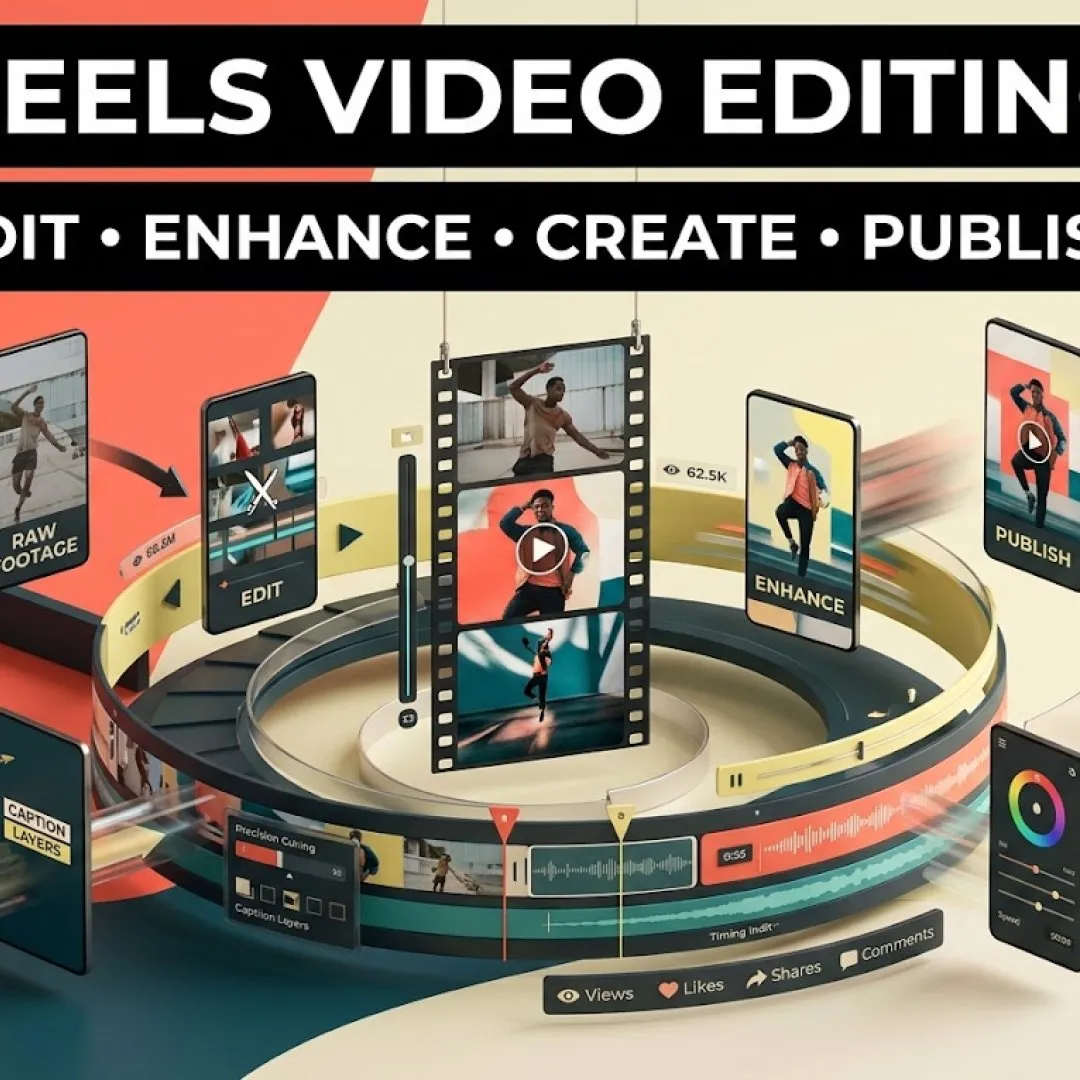
Reels Video Editing
Professional Instagram Reels video editing services. Transform raw clips into high-converting 9:16 vertical reels with AI auto-captions, beat sync, and trend-focused hooks.


Pricing for Reels Video Editing
All prices in USD. Add a plan straight to your cart — no forms, no waiting.
What You Get
Here is everything included with Reels Video Editing, and what each plan covers.
Reels Video Editing
How to Make Reels with Existing Video
Hook & Pacing Optimization
Safe Zone & Aspect Ratio Formatting
Revision Support
Reels Video Editing Online & AI Tools
About This Service

Reels Video Editing
Reach, engagement and audience growth are the key drivers for Instagram Reels on social media these days. When editing vertical video footage, there needs to be a mix of succinct cuts, visual "hooks" and messaging that is short attention span friendly. Plan your timing for vertical video—that is a 9:16 aspect ratio (1080x1920) and have important text elements and information out of the top 15% and bottom 25% of the screen, where app interfaces would appear on top of the video. Use the 3-second hook rule with visual motion, an interesting text header or direct statement to not let users scroll past your open. More than 80 per cent of mobile users read feeds with the sound turned off, so keep some of the content animated, use dynamic subtitles and add visual text callouts. Lastly, match cuts to the rhythm of popular audio tracks or coordinate clear voiceovers and subdued background music for an energetic pace.

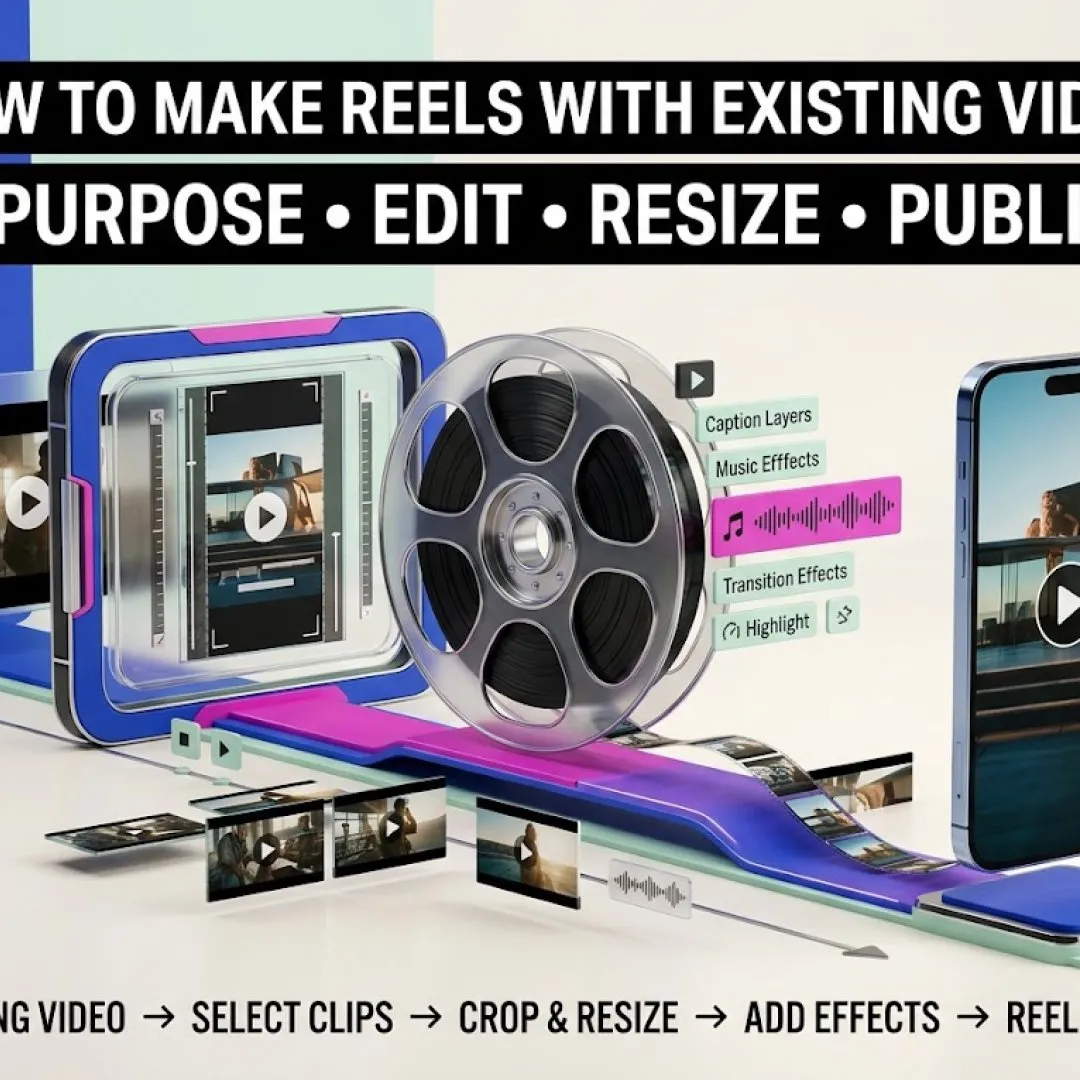
How to Make Reels with Existing Video
You can convert pre-recorded 16:9 (horizontal), 1:1 (square) clips or clips from the phone library into Reels—all within the Instagram native app. Installing clips: Open Instagram, tap the plus icon, choose Reel and then open the gallery preview to select clips. Pinch to zoom/scale horizontal clips to fit the vertical 9:16 canvas neatly without excessive blank space. Drag handles to remove silent sections in 'Edit clips' or use the hold-and-drag tool to move clips between sequences. Improve audio quality, by browsing the library of background music or by adding new voice over narration on top of the footage. Finally, set timed text and subtitles using the Aa text tool, and control the timing of headers by using the handles on the timeline.

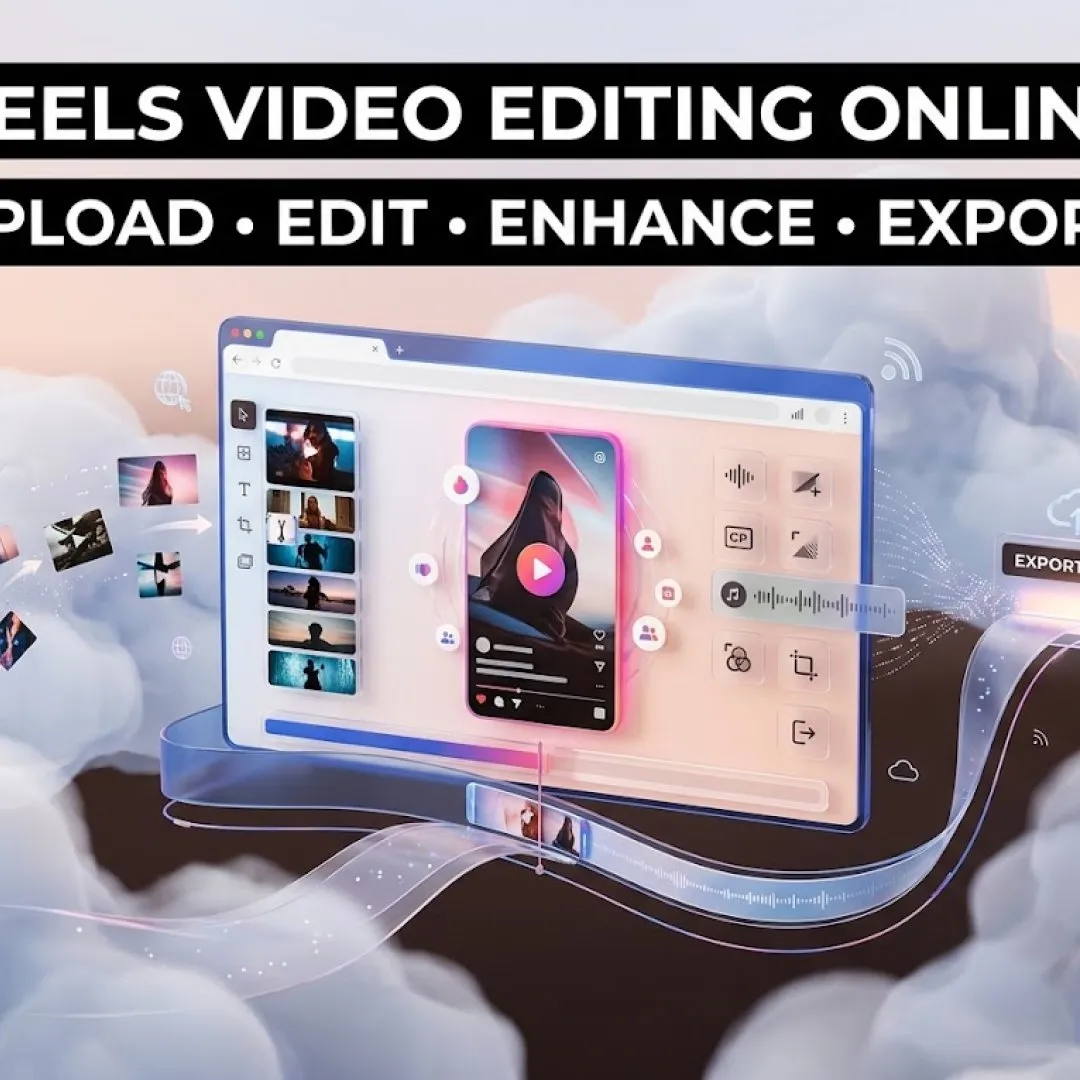
Reels Video Editing Online
Designer Web applications and browser-based editors provide an alternative to mobile apps for projects that demand more complex precision, multi-track control and/or AI automation. CapCut Web is perfect for AI auto captions, dynamic text effects, AI auto frame horizontal video to vertical and viral background templates. Canva's Video Timelines, text lower-thirds, customizable text lower-thirds, brand kits, and auto-BeatSync are best suited for brand-focused business Reels, which are created using drag-and-drop video timelines. Veed.io's purpose is to provide rapid captioning, noise removal, and auto-transcribing video files from the web. Moreover, InVideo AI can transform any video clips, long-form URLs, or text scripts to formatable, publish-ready vertical Reels automatically.
Client Reviews
No reviews yet — be the first to share your experience.
Latest Reviews
(0 reviews)
Write a Review
Built On Trust, Delivered With Quality
Every project we take on is backed by clear communication and real accountability.
On-Time Delivery
We plan realistic timelines and stick to them.
Transparent Pricing
Clear packages with no hidden costs.
Dedicated Support
We're reachable during and after your project.
Experienced Team
Skilled people behind every service we offer.