

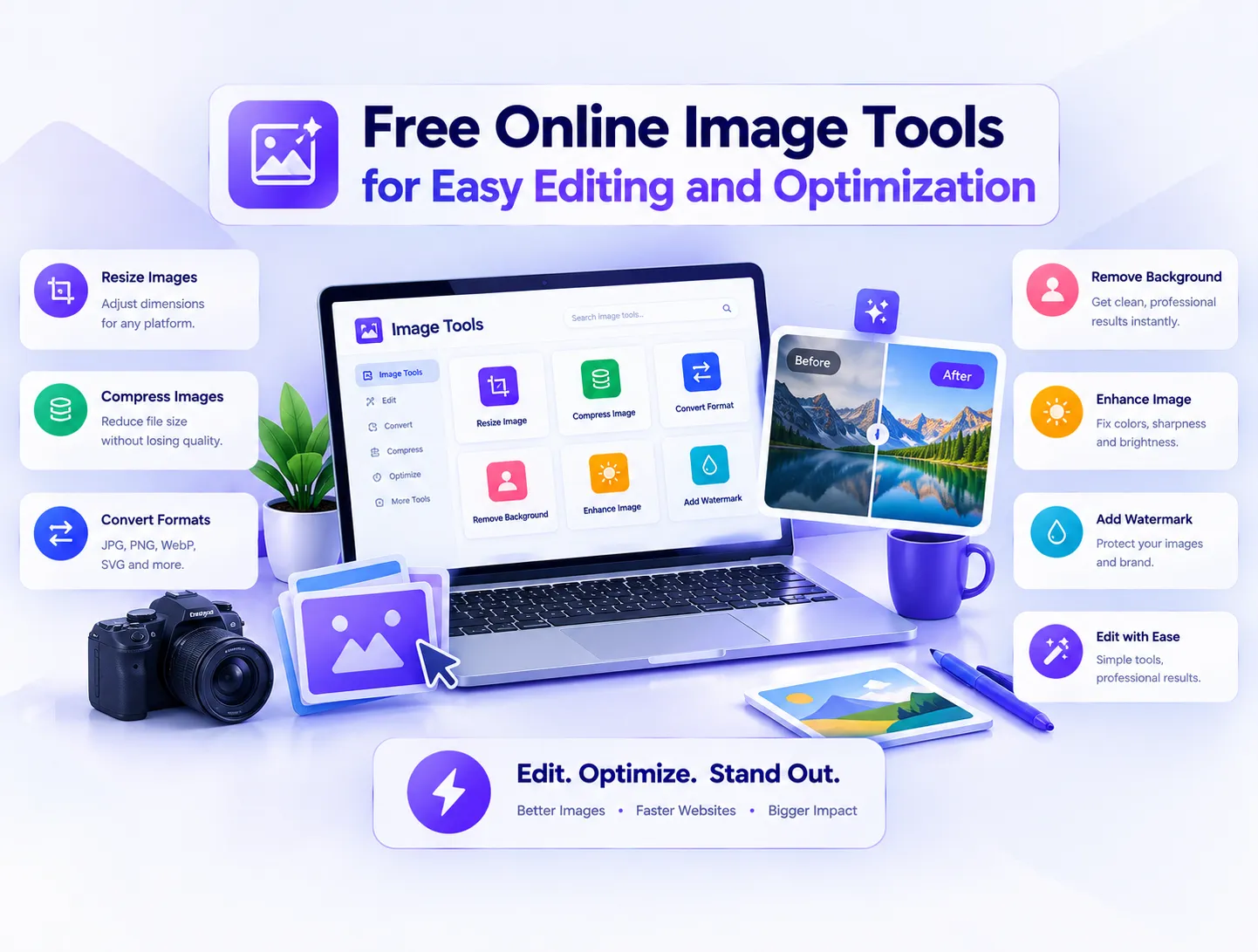
Free Online Image Tools for Easy Editing and Optimization
In today's fast-paced visual web, high-quality images drive user engagement, digital marketing performance, and website conversions across our broader digital agency portfolio. However, uncompressed photo files, poor image resolutions, unwanted backgrounds, and incompatible image formats frequently slow down web page load speeds and hurt overall search rankings. Whether you are an e-commerce store manager, content creator, or web engineer, having instant access to browser-based utilities streamlines your daily production workflows. Utilizing Webnestech's suite of free online utilities allows creators to edit, enhance, transform, and shrink image files instantly without installing heavy software applications or registering for subscriptions.
Why Image Optimization and Rapid Editing Matter for Modern Websites
Large visual assets represent over 60% of total web page payload, making image compression and proper format selection critical components of technical SEO and Core Web Vitals compliance. Serving unoptimized pictures to mobile visitors causes excessive data consumption, high bounce rates, and reduced ad monetizations. Webnestech addresses these digital performance challenges by offering a centralized hub of browser-based tools designed to manipulate images in seconds while retaining crisp visual detail.
Key Advantages of Browser-Based Visual Tools
- Zero Sign-Up Required: Start processing visual files immediately without creating accounts or revealing personal data.
- Privacy-First Processing: Uploaded assets are handled securely in real-time, safeguarding sensitive personal media.
- Cross-Platform Compatibility: Access editing utilities effortlessly across desktop computers, tablets, and smartphones.
- Instant Speed Execution: Eliminate long software installation steps and heavy background desktop processing.
- Multi-Format Flexibility: Convert seamlessly between modern web standards including WebP, PNG, JPG, and HEIC.
1. Free Online Background Remover: Isolate Subjects Automatically
Clean product photography with transparent backgrounds is essential for modern e-commerce catalogs, marketing banners, and social media collages. Manual cutout processes using legacy desktop editing software require tedious pen-tool tracing and hours of precision labor. By utilizing our AI-powered background remover tool, creators can automatically cut out subjects from photos and export high-resolution transparent PNG files in a single click.
Top Business Applications for Background Extraction
- E-Commerce Listings: Standardize marketplace product photos against clean white backgrounds for Amazon and Shopify.
- Corporate Headshots: Remove cluttered office backgrounds from team headshots for professional executive bios.
- Social Media Graphics: Extract subjects to design eye-catching YouTube thumbnails and promo flyers.
- Ad Creative Production: Seamlessly overlay isolated product assets onto seasonal marketing banners.
2. Image to Text Converter: Extract OCR Data From Photos in Seconds
Re-keying printed text from documents, book pages, receipts, and whiteboard snapshots is time-consuming and prone to human typing errors. Optical Character Recognition (OCR) technology translates physical text pixels into editable digital typography automatically. Leveraging our online image to text converter enables students, researchers, and office workers to extract structured alphanumeric text from image files instantaneously without typing manually.
4 Simple Steps to Extract Editable Text From Any Photo
- Snap or upload a clear photo containing legible printed or handwritten text characters.
- Pass the file through our browser-based OCR tool to analyze visual character structures.
- Review the extracted text output directly in the interactive visual editor box.
- Copy the digitized text directly to your clipboard or paste it straight into your document editor.
3. Image Converter: Transform File Formats Without Losing Quality
Different digital platforms and web browsers enforce varying image format requirements to balance visual fidelity with loading performance. For example, mobile devices often shoot photos in HEIC format, while modern web servers demand lightweight WebP or universal JPG files. Using our fast image converter utility allows developers to convert WebP to JPG, PNG to WebP, or HEIC to JPG instantly without corrupting underlying color profiles.
Feature Breakdown: Webnestech Online Image Utilities
| Tool Utility | Primary Business Function | Supported Input Formats | Ideal Export Output |
|---|---|---|---|
| Background Remover | Automated background extraction | JPG, PNG, WebP | Transparent PNG |
| Image To Text | OCR character & data extraction | JPG, PNG, BMP, TIFF | Editable TXT / Clipboard |
| Image Converter | File format conversion | HEIC, WebP, PNG, JPG | Optimized JPG / PNG / WebP |
| Image Upscaler | Resolution enhancement | JPG, PNG, WebP | High-Definition JPG / PNG |
| Image Compressor | File size shrinkage | JPG, PNG, WebP | Compressed Web-Ready File |
4. AI Image Upscaler: Sharpen Blurry Pictures and Enhance Resolution
Low-resolution photo assets, pixelated graphics, and compressed thumbnail images destroy visual credibility across web applications and print media. Traditional magnification tools simply stretch existing pixels, resulting in blurry, unnatural visual distortions. By harnessing our advanced image upscaler tool, users can sharpen blurry photos, restore lost facial details, and increase image resolution smoothly using AI-driven pixel reconstruction.
When You Need an Online AI Image Upscaler
- Archival Photo Restoration: Restore low-res legacy photographs and family historical archives.
- Print Graphic Preparation: Upscale digital web graphics to high DPI resolutions required for physical printing.
- E-Commerce Zoom Quality: Enhance product thumbnail photos so buyers can inspect fine material textures.
- Social Media Media Scaling: Convert low-res phone captures into sharp images for full-screen story ads.
5. Image Compressor: Shrink File Sizes to Accelerate Web Page Load Speeds
Uncompressed camera files regularly exceed 5 megabytes, creating severe network bottlenecks for mobile web users. Smart lossy and lossless image compression algorithms decrease byte counts by removing invisible visual data while keeping the output identical to human eyes. Utilizing our web-based image compressor tool allows webmasters to shrink PNG and JPG file sizes up to 80% without introducing noticeable visual artifacts.
Why Compressed Images Directly Boost SEO and Ad Revenue
Google search algorithms explicitly penalize slow-loading web pages, pushing bloated sites down in mobile search engine results pages. Furthermore, programmatic ad scripts require instant page rendering to trigger viewable ad impressions reliably. Compressing your visual media assets accelerates overall page performance, protecting organic search rankings and ensuring maximum advertising monetization yield.
5-Step Checklist for Full Image Optimization Success
- Remove unnecessary photo backgrounds to isolate main product or subject assets.
- Convert heavy camera formats (HEIC/RAW) into web-standard WebP or JPG formats.
- Pass low-resolution assets through an AI upscaler to restore sharp detail.
- Run transformed image files through a compressor to strip unneeded metadata bytes.
- Audit final page load speeds using Google PageSpeed Insights to verify web rendering gains.
Streamline Your Digital Workflow With Webnestech Tools
Managing digital media assets does not require costly desktop software suites or complex editing skills. Leveraging browser-based processing utilities keeps your desktop light, speeds up daily workflows, and delivers perfectly optimized visual assets for every web project. If you are ready to enhance your overall digital infrastructure or build custom web applications, feel free to get in touch with our team today to discuss your digital needs.
Frequently Asked Questions
Essential answers regarding Webnestech's free online image editing and optimization utilities.
Yes, all Webnestech online image utilities are 100% free to use directly in your browser with no account registration or subscriptions required.
No, our smart image compression tool removes unneeded file metadata bytes while retaining visual fidelity that looks identical to the human eye.
The AI background remover detects the primary subject, strips away the background pixels, and exports the final isolated image in PNG format with full alpha transparency.
Yes, our OCR converter processes both clear printed documents and clean handwritten text snapshots into editable digital text.
WebP provides superior lossy and lossless compression compared to legacy JPG and PNG files, reducing page load times while maintaining high image quality.
Ready to optimize your web application and visual media assets?
Our expert development and design team is here to help scale your digital presence.