

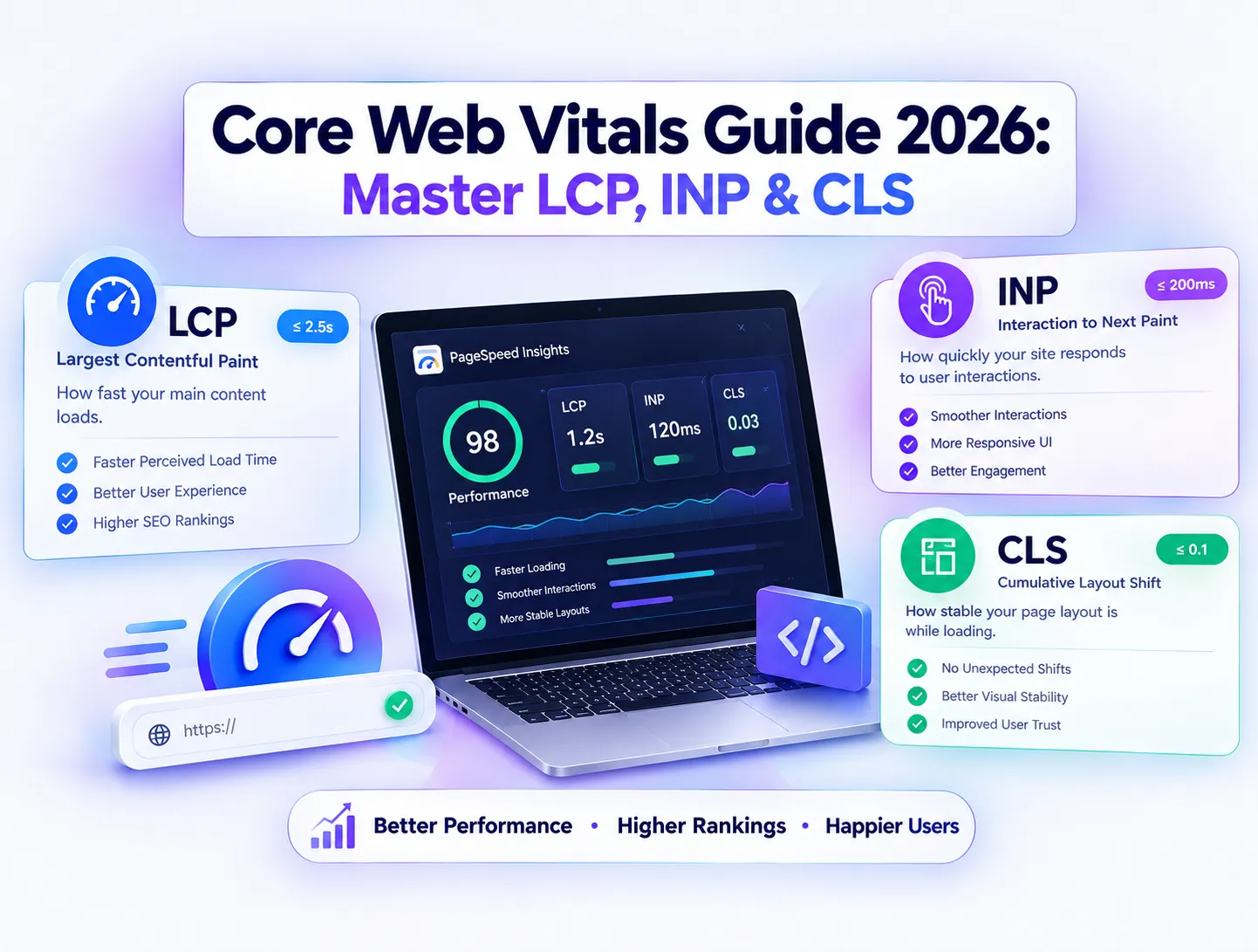
Core Web Vitals Guide 2026: Master LCP, INP & CLS
Website performance has long stopped being just a technical vanity metric and has firmly evolved into a foundational pillar of organic search visibility. When Google evaluates how a web page performs, it looks past raw keyword density and dives straight into real-world user experience signals. Modern web performance engineering focuses heavily on three critical metrics that define how fast a page loads, how smoothly it reacts to user clicks, and how visually stable its layout remains during rendering. Ignoring these performance signals can cause even the most meticulously optimized content pieces to stall in search engine result pages, losing high-intent traffic to faster competing domains.
What Are Core Web Vitals and Why They Matter for SEO
Core Web Vitals represent a specific subset of user experience metrics that Google measures to understand how visitors interact with web pages on both mobile and desktop devices. These signals act as algorithmic tie-breakers, meaning that when two competing web pages feature content of equal relevance and authority, the domain with superior user experience metrics frequently wins the higher ranking position. Beyond raw search algorithmic advantages, performance directly dictates commercial success; pages that load swiftly and respond instantly enjoy significantly lower bounce rates, deeper user engagement sessions, and higher conversion rates.
Deconstructing Largest Contentful Paint (LCP) and Loading Speed
Largest Contentful Paint measures perceived loading performance by tracking the exact moment when the main content block or primary hero image finishes rendering within the visible viewport. To achieve a passing score, your primary page content must fully render in under 2.5 seconds from the initial navigation request. Sluggish LCP scores are usually triggered by heavy, unoptimized image files, render-blocking stylesheets, or delayed server response times. Resolving these bottlenecks requires converting visual assets into next-gen formats like WebP or AVIF, leveraging server-level caching, and ensuring your primary hero element is preloaded without waiting for heavy client-side scripts to execute.
Mastering Interaction to Next Paint (INP) and Responsiveness
Interaction to Next Paint evaluates overall page responsiveness by measuring the latency of every user click, tap, and keyboard interaction throughout the entire lifecycle of a visit. Having replaced the older First Input Delay metric, INP demands a response time of under 200 milliseconds to ensure the interface feels snappy and fluid. Bloated third-party tracking scripts, massive chat widgets, and heavy JavaScript execution on the main thread often clog browser resources and inflate interaction latency. Cleaning up event handlers, breaking down monolithic script tasks, and adopting efficient code-splitting practices are essential steps to keep your interaction scores safely in the green zone.
Controlling Cumulative Layout Shift (CLS) for Visual Stability
Cumulative Layout Shift quantifies unexpected visual movement during the page loading phase, protecting users from frustrating layout jumps that cause accidental clicks. A passing CLS score must remain strictly below 0.1, ensuring that buttons, text blocks, and media elements do not shift around as ads or late-loading images drop into place. Preventing unexpected shifts requires declaring explicit width and height attribute dimensions for all images, reserving dedicated structural space for dynamic embeds, and ensuring web fonts load cleanly with proper fallback metric adjustments.
How Google Uses Core Web Vitals as a Ranking Signal
Google relies heavily on real-world field data gathered through the Chrome User Experience Report rather than relying solely on simulated laboratory audits. This field data aggregates anonymous performance metrics from actual users visiting your URLs across diverse devices and varying network conditions. Because Google evaluates your site based on how real humans experience your web pages in the wild, optimizing your infrastructure requires focusing on lightweight architecture rather than just chasing high score numbers in synthetic testing tools.
Connecting Fast Page Speeds to Higher AdSense Revenue
Website monetization relies heavily on user retention, session duration, and continuous page views, making performance optimization a direct driver of ad revenue. When a page takes four or five seconds to load, impatient visitors bounce immediately, depriving ad slots of vital impressions and destroying your overall RPM (Revenue Per Mille). Streamlining asset delivery and maintaining clean code structures ensures that ad scripts load asynchronously without blocking critical content rendering, safeguarding both your organic keyword rankings and your monthly publisher earnings.
Real-World Field Data Versus Synthetic Lab Testing Metrics
Many webmasters fall into the trap of obsessing over simulated Lighthouse scores while ignoring what Google Search Console reports from actual user visits. Lab data tests your pages under controlled hardware environments, whereas field data reflects real devices, spotty mobile connections, and background CPU loads. Reviewing your performance reports inside Google Search Console allows you to target exact URL groups flagged as poor or needing improvement, ensuring your optimization efforts directly benefit your organic search traffic and ranking stability.
Essential Architectural Choices for Building Fast Websites
Achieving flawless performance scores cannot be accomplished through superficial plugin tweaks alone; it requires sound architectural decisions from day one of development. Overloading a content management system with dozens of redundant plugins or heavy themes introduces massive dependency chains that drag down execution speeds. Partnering with engineering experts who specialize in custom website development ensures your web applications are built with clean code, minimal bloat, and optimized asset delivery pipelines right out of the box.
Fixing Server Response Times and Reducing Time to First Byte
No amount of front-end optimization can compensate for a sluggish hosting server that takes seconds to deliver the initial HTML document. Time to First Byte represents the foundational baseline of your loading sequence, dictating how fast the browser receives data from your server backend. Upgrading to high-performance cloud hosting, implementing aggressive server-side caching mechanisms, and deploying a reliable global Content Delivery Network (CDN) ensures your pages serve lightning-fast responses to visitors anywhere in the world.
Advanced Strategies for Long-Term Organic SEO Growth
Maintaining elite performance standards is an ongoing operational commitment rather than a one-time setup task. As your digital platform expands with new content, tracking scripts, and media assets, routine performance audits help catch regressions before they impact your search visibility. By combining authoritative content creation with robust technical foundations provided by Webnestech, your business can secure lasting search dominance, resilient user engagement, and continuous revenue growth across competitive global markets.
Frequently Asked Questions
Essential technical questions regarding Core Web Vitals, site speed optimization, and SEO impact.
To pass Google Core Web Vitals, aim for LCP under 2.5 seconds, INP under 200 milliseconds, and CLS under 0.1 for at least 75% of page visits.
FID only measured the initial user interaction on a page, whereas INP evaluates latency for all interactions throughout the user entire session duration.
Yes, Core Web Vitals act as ranking signals; poor metrics negatively affect rankings and increase user bounce rates across mobile and desktop devices.
Set explicit width and height attributes on images/videos, reserve fixed CSS dimensions for ad slots, and avoid inserting dynamic content above existing text.
Faster loading pages prevent visitors from bouncing before ads load, directly increasing total ad impressions, viewability metrics, and overall AdSense earnings.
Need help optimizing your site Core Web Vitals?
Our technical development team is ready to audit and speed up your web application platform.