

Free Visual Content Creation Tools for Creators in 2026
If you run an online business or build a brand today, you already know that visual content is king. But let us be honest for a second: who actually has the time to open heavy, complicated desktop design software just to crop a photo, remove a background, or resize a banner? The digital creator landscape has shifted dramatically. Creators are no longer just posting casual photos; they are operating lean, high-output digital businesses. Managing social channels, digital products, and e-commerce storefronts requires producing dozens of polished graphics every single week.
Spending hours wrestling with complex layers, expensive subscription licenses, and endless software tutorials completely drains your momentum. Smart online entrepreneurs are ditching bloated desktop tools in favor of browser-based browser utilities. Whether you are building out your brand presence, scaling a storefront, or exploring our broader digital agency portfolio for inspiration, streamlining your media creation is the fastest way to save time and boost conversions. Let's explore how you can automate your entire visual workflow using fast, accessible browser tools.
Why Browser-Based Asset Automation Wins for Online Business
Traditional photo editing software was built for print designers and retouching professionals who spend hours tweaking a single high-resolution image. Modern digital creators, on the other hand, need rapid execution. When you launch an ad campaign, publish a blog post, or update a product catalog, you need sharp, high-converting images in minutes—not hours.
Browser utilities allow you to handle repetitive image editing tasks directly inside your web browser without installing heavy software or hogging your computer's RAM. By automating background removals, image upscaling, and file compression, creator-entrepreneurs can focus on high-level business strategy while keeping their visual branding slick, modern, and high-quality across every channel.
Key Business Advantages of Lightweight Utility Suites
- Zero Installation Friction: Access every tool instantly from any device, whether you are on a laptop, tablet, or desktop workstation.
- Faster Publishing Turnaround: Edit, format, and optimize marketing graphics in seconds to keep your content calendar moving forward.
- Better Store and Site Speed: Lightweight image formats load faster, lowering page bounce rates and keeping mobile shoppers engaged.
- Cost-Effective Scaling: Eliminate high recurring monthly software subscriptions for simple, everyday graphic manipulation tasks.
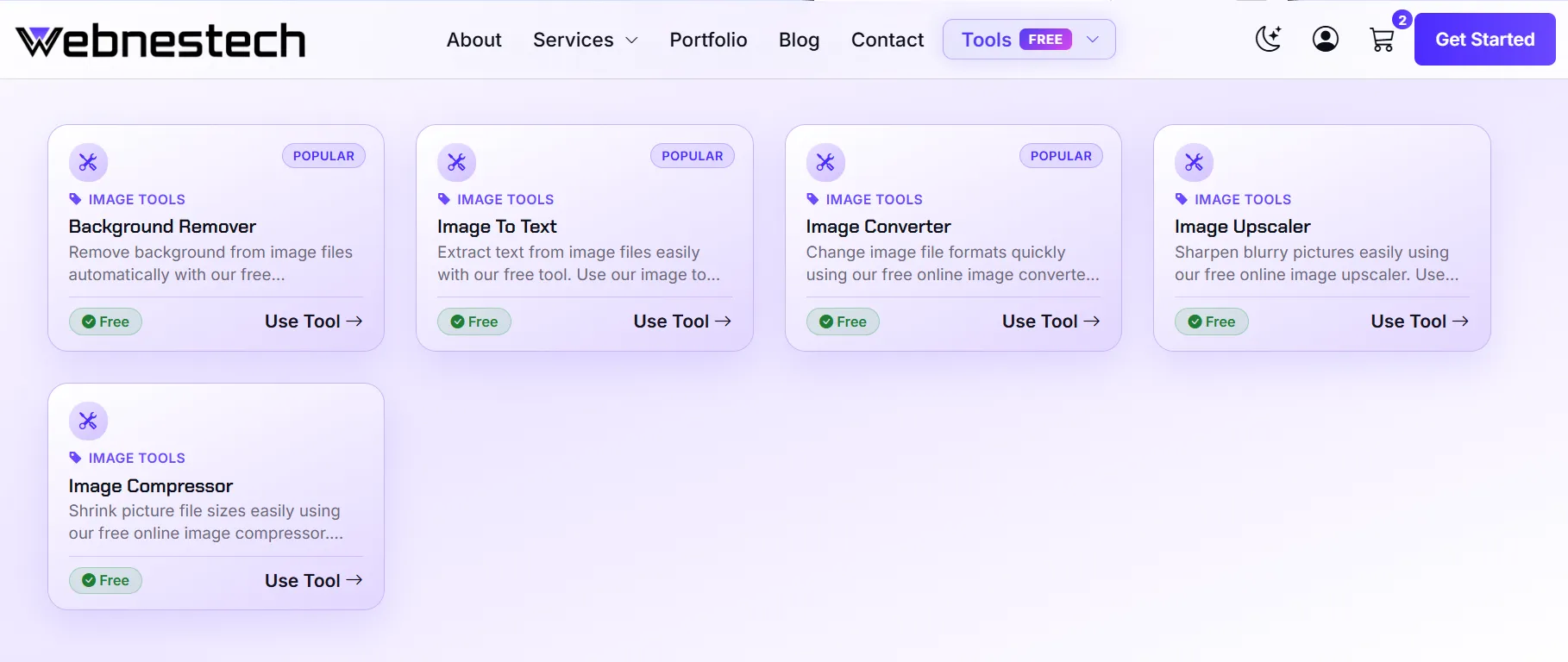
1. Isolate Subjects Instantly with an Online Background Remover
Clean visual presentation is critical for converting casual viewers into paying customers. Whether you are preparing eye-catching YouTube thumbnails, social media promotion banners, or marketplace product photos, removing distracting backgrounds manually with a lasso tool is a massive time sink. Using a dedicated background removal utility allows you to extract subjects instantly with pixel-perfect accuracy.
By dropping your image into the tool, you get a clean cutout with a transparent background ready for overlaying onto promotional banners, colored canvas backgrounds, or custom brand templates. Head over to our dedicated Background Remover tool to isolate your product graphics or headshots in seconds.
Why Transparent Backgrounds Drives Higher Click-Through Rates
- Professional Aesthetics: Transparent backgrounds give product photos that sleek, studio-quality look expected on Amazon, Etsy, and Shopify.
- Seamless Layout Integration: Place cutouts directly over promotional discount graphics, social carousels, or email marketing headers.
- Consistent Visual Branding: Maintain a uniform brand theme across all product listings without paying for expensive studio lighting setups.
2. Extract Text from Visual Images and Receipts Instantly
Creators and entrepreneurs constantly capture inspiration from books, physical documents, handwritten notes, graphic slides, and desktop screenshots. Manually retyping text from an image into your document editor or social script is frustrating and slow. This is where Optical Character Recognition (OCR) technology transforms your workflow.
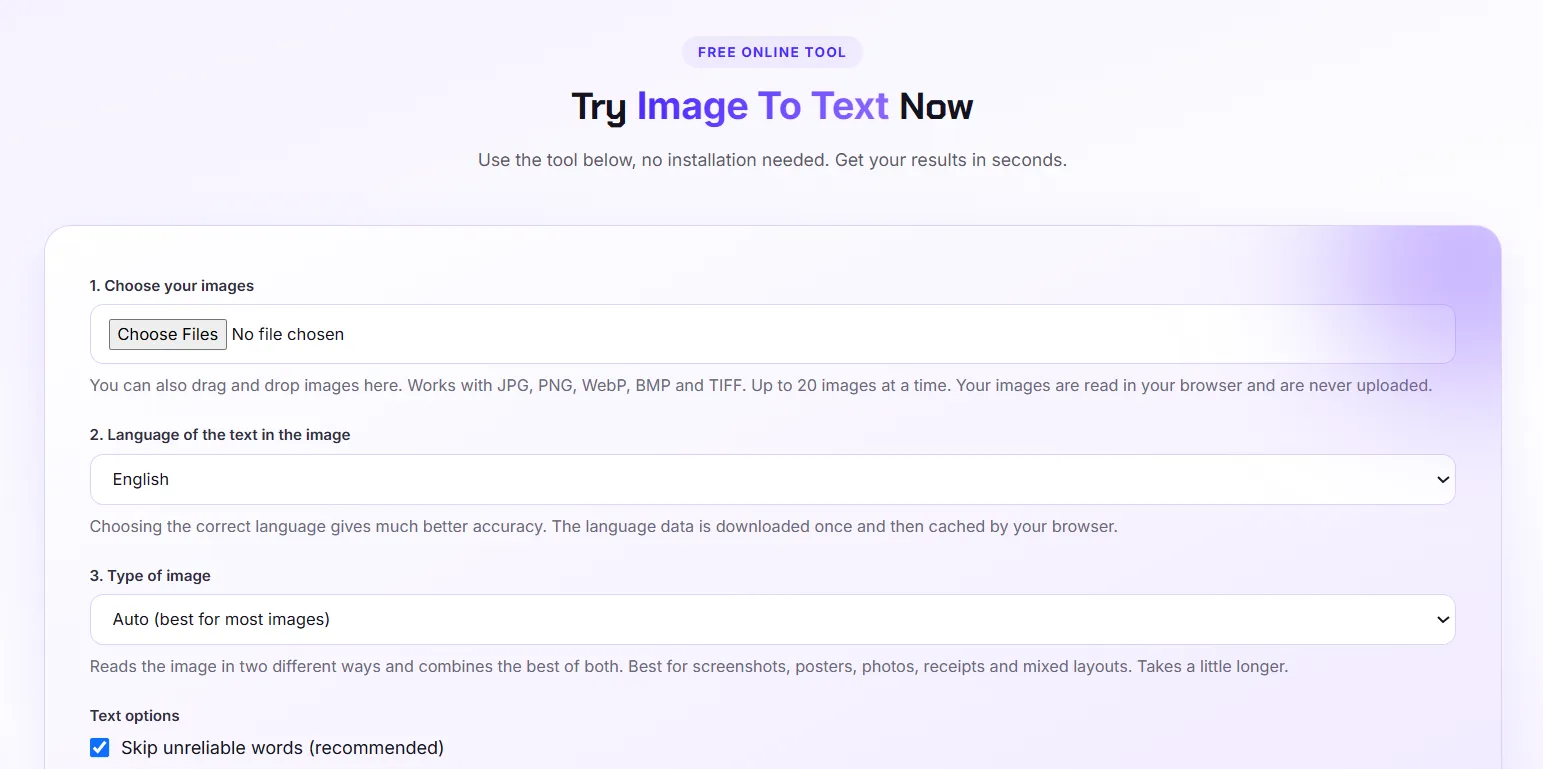
An image-to-text utility scans uploaded graphic files, identifies written characters, and outputs fully editable, copyable text in seconds. It is ideal for digitizing printed contracts, copying quote captions, or pulling text out of research screenshots. Try out our quick Image to Text utility to convert any visual file into editable prose instantly.
/p>
3. Convert Image Formats for Web-Ready Compatibility
Different online platforms require specific file formats. Social channels might favor standard JPEGs, desktop graphics often require PNG transparency, and modern websites need WebP files for fast page rendering. Trying to upload an unsupported format often results in platform errors or ruined image compression.
An online converter allows you to transform images between JPG, PNG, WebP, and other major formats in a single click without losing visual fidelity. Easily change file types on the fly by using our Image Converter tool to ensure full compatibility across all your publishing platforms.
Feature Comparison Matrix: Free Web Tools vs Heavy Desktop Software
| Workflow Feature | Traditional Desktop Software | Webnestech Online Tool Suite |
|---|---|---|
| Setup & Accessibility | Requires large installation & license activation | Instant 100% browser-based access on any device |
| Ease of Use | Steep learning curve with multi-layer menus | One-click automated tools designed for quick tasks |
| Processing Speed | Depends on heavy hardware CPU/RAM specs | Fast client-side rendering for instant output |
| Cost Factor | High recurring monthly software subscriptions | Free online utility tools accessible anytime |
4. Enhance Low-Res Graphics Using an Online Image Upscaler HD
Nothing looks less professional than pixelated, blurry product shots or low-resolution graphic logos stretching across a high-definition monitor. Whether you are dealing with legacy photos, small stock graphics, or compressed supplier images, standard scaling usually turns photos into a blurry mess.
Using an online image upscaler HD increases file dimensions and sharpens edges, giving low-res media crisp clarity. It is a game-changer for preparing print-on-demand merchandise graphics, high-res web banners, or crisp portfolio displays. Restore details and boost visual quality instantly with our Image Upscaler tool.
5. Shrink Heavy Media Files with a Bulk Image Compressor for Web
Large, uncompressed image files are the number one cause of slow loading websites and high mobile bounce rates. If a user visits your store or portfolio and images take several seconds to load, they will simply click away to a competitor. Furthermore, search engines penalize slow pages in search rankings.
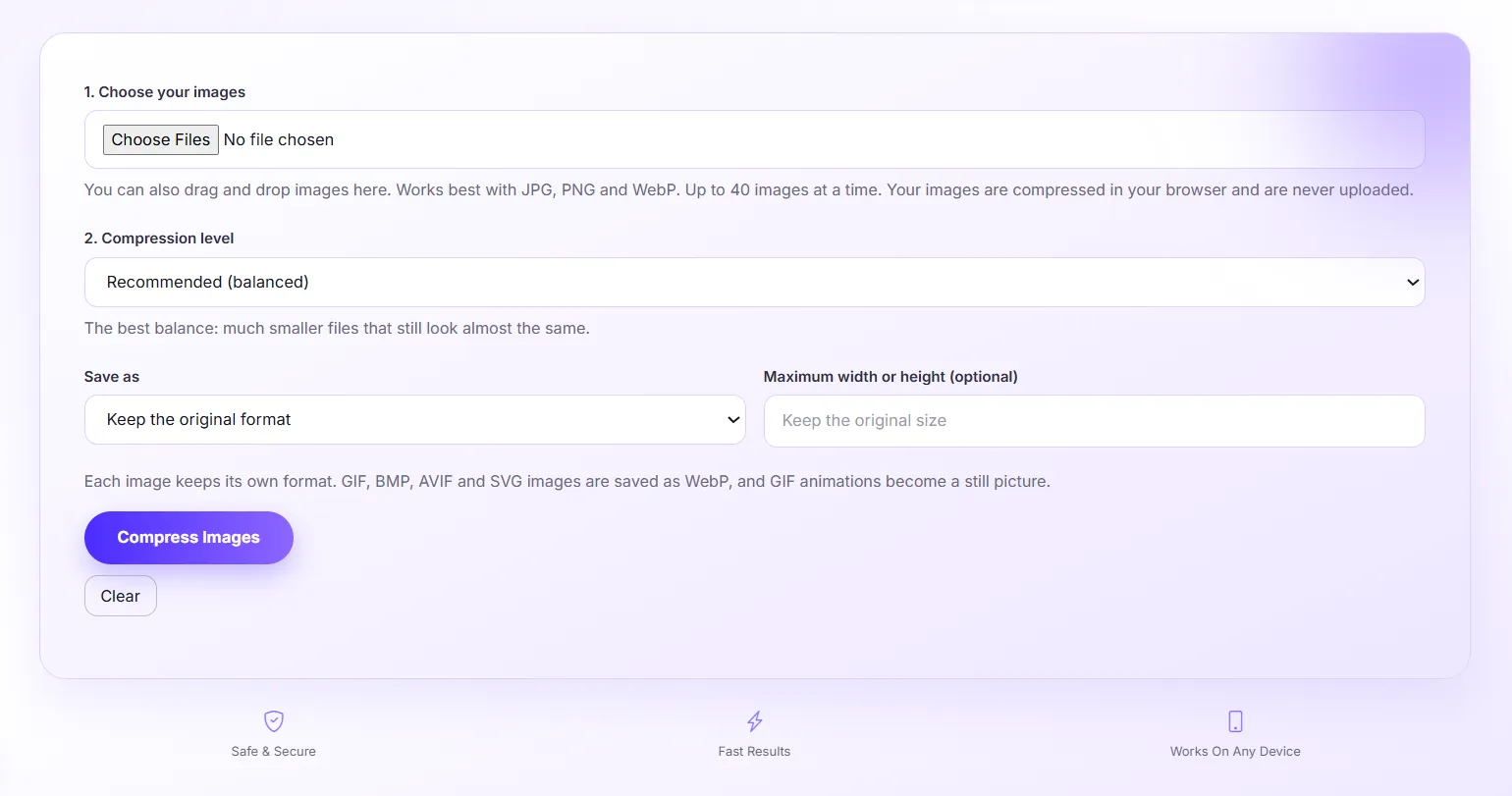
Running your photos through a bulk image compressor for web assets slashes file sizes by up to 80% while retaining clean visual quality. Compress your graphics before publishing by utilizing our Image Compressor tool to keep your website speed lighting-fast.
Building an Automated Visual Workflow for Long-Term Growth
By assembling a quick, streamlined stack of free visual content creation tools, you eliminate unnecessary software clutter and reclaim hours of productive time every week. Instead of spending your precious workday micromanaging complex photo layers, you can automate your media formatting, keep your site speed fast, and focus on expanding your business footprint.
Scale Your Web Infrastructure and Platform Goals with Webnestech
Building a modern digital brand requires smart software execution, seamless user experience, and robust web engineering. Whether you need custom web tools built for your platform or want to elevate your agency presence, our expert engineering team is ready to support your vision. Feel free to get in touch with our team today to discuss your next project!
Frequently Asked Questions
Essential answers regarding web-based image tools, optimization, and digital asset management.
For everyday tasks like background removal, image upscaling, format conversion, and file compression, modern web tools are faster and far easier to use than heavy desktop programs.
Uncompressed images slow down your page load speed, which hurts user experience, increases bounce rates, and lowers your overall Google search rankings.
An online image upscaler HD sharpens pixel edges and enhances detail resolution, turning low-resolution or compressed images into high-definition graphics suitable for web or print.
WebP is generally the best format for websites due to its high compression efficiency, while PNG is ideal for transparent backgrounds, and JPG is great for standard photos.
No coding knowledge is needed! All Webnestech browser tools are designed with an intuitive, drag-and-drop interface for instant one-click results.
Ready to optimize your visual content and elevate your web platform?
Partner with our expert agency team to build high-performance web assets today.