The 5 Best Free Online Audio & Video Tools
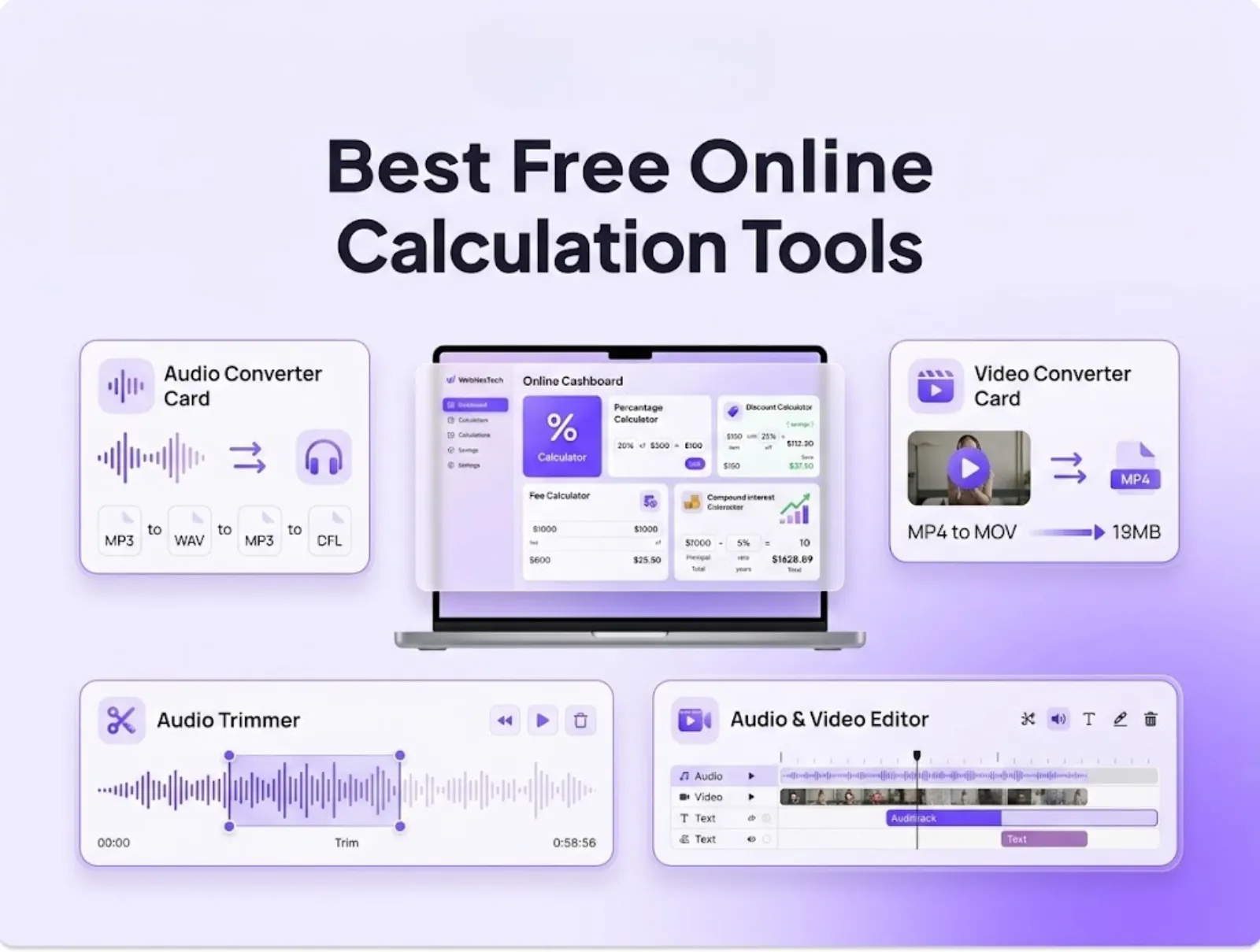
The 5 Best Free Online Audio & Video Tools are the best tools that you can use for creating audio and video files online, these are all free.
It can sometimes be frustrating to create, edit and publish media files, and there are a couple of hurdles to cross, such as sending large files through email, not being able to edit the type of file, etc. Sometimes, desktop editing software is not necessary to convert or compress.
Now you can encode your audio and video files without any registration, any watermarks and in your browser. These can be downloaded for use in the browser from the WebNesTech Audio & Video Tools category page.
Let's take a look at the best 5 free online audio and video editing tools that can help you in the process of creating digital content.
1. Video Compressor: Reduce Video File Size Without Quality Loss
This piece of software can be used to compress video files at no loss of quality.
Access to uploading large video files to social networking sites, sending by email or attaching video files to client presentations can be a problem. Online video compressor is a video compression software with a state-of-the-art smart coding technology that compresses video files to a much smaller size without compromising the video quality.
What's possible with this capability and how does it fit into the real world?
Core Functions: Saves video bitrates, adjusts the resolution presets and reduces the size of the video files in MB for speedy upload.
Why Use It: It does not report errors regarding the email size and video that you're sending through messaging apps such as WhatsApp and Slack.
Perfect for content makers, email marketers and those who need to turn video assignments in online.
2. Video to MP3: Extract Audio from Video Files
This is an audio extraction software that can easily extract MP3 audio file from video file.This is a quick Audio Extractor which allows you to convert video files to MP3.
You want just the audio file from a video, such as the speech from an interview, the background music from a clip or recorded lectures. Video-to-MP3 is a video converter program which eliminates the sound track from a video file in a few seconds and saves it as an excellent audio stream.
They are listed below.Here are some key capabilities and use cases.
Supported Audio Tracks: MP4/MOV files from which audio tracks can be extracted and saved to high bit rate MP3 audio files.
The use for this is: It can save space and enables you to listen to video content as a podcast or voice note while on the go!
Ideal for: Students who take audio notes with video lessons, voice actors and music lovers, podcasters.
3. Convert Video to GIF: Create Animated Visuals
Create Animated Visuals: With the 3. Video-to-GIF to make an animated picture.
Sometimes, viewers don't see the static images or sometimes full videos don't load fast enough. Online Video to GIF Converter is is the software that you can use to convert a short video into a looping animated GIF image that can be utilized in blog posts, e-mail banners and social media posts.
Use Cases & Key Capabilities
Core Functions: Trims some video clips, resizes the frame rate (FPS) and converts video clips to smooth animation in GIF format.
It's good for: Website engagement, digital marketing campaigns and social media but not causing strain to websites that are already embedding videos.
It is recommended for: Social media manager, blogger, UI/UX designer displaying new features, Digital marketer.
4. Online Video Converter: Format Switching Flexibility
Online Video Converter: Format Switching Flexibility – Online Video Converter is becoming more popular due to its flexible format switching capabilities.
The file format is incompatible such as opening an Apple MOV on a device that cannot read this file type, this can interfere with you working. Using online video conversion tool, you can convert videos from one type to another without the need of desktop application.
Key Capabilities & Use Cases
Core Functions: Transitions between regular video file formats such as MP4, MOV, AVI, WEBM and MKV.
What it is: It is cross device compatible and can be played on all devices that are Windows, Mac, Android and iOS (full support).
Ideal for: Video content editors and users with video embeds on web pages and the general public that downloads video content.
5. Audio Trimmer & Pitch Adjuster: Precision Sound Editing
If there are unnecessary lapses in recorded audio, or there is any change in pitch, it sounds professional. Online audio file cutters and audio file volume enhancers enable you to edit your audio files precisely while you're in the web browser.
Key Capabilities & Use Cases
Core Functions: Edit audio files with cuts, adjust the level and/or pitch and tempo of audio without distortion.
Appropriate for: When you do need to delete voice recording or sound effect in a hurry, before incorporating it into a multimedia project.
Ideal for content creators, voice actors, teachers recording audio excerpts and audio editors looking for fast edits.
Summary Comparison Table
| Tool | Features | Benefits | Ideal Users |
|---|---|---|---|
| Mobile Apps | Make and fix things | Help pieces of equipment to work better | Anyone using a piece of equipment. |
| Video Compressor | Helps to decrease MB size of video files | Prevents upload errors, accelerates sharing of videos | Emailers and creators. |
| Video to MP3 | Video to audio converter that can convert video files into understandable audio files. | Extracts sound tracks from videos and converts videos to readable audio. | Users who want audio from video files. |
| Video to GIF | It has the ability to create a video clip into a looped GIF | To assist augmenting blog & social media interaction | Handy to Marketers & Bloggers. |
| Video Converter | Switch format (MOV, MP4, AVI) | Smooth plays in any device | Video editors & developers. |
| Audio Trimmer | Does not need any desktop application to edit silence and boost the volume of the audio | Provides a clean audio result | Content creators and teachers. |